
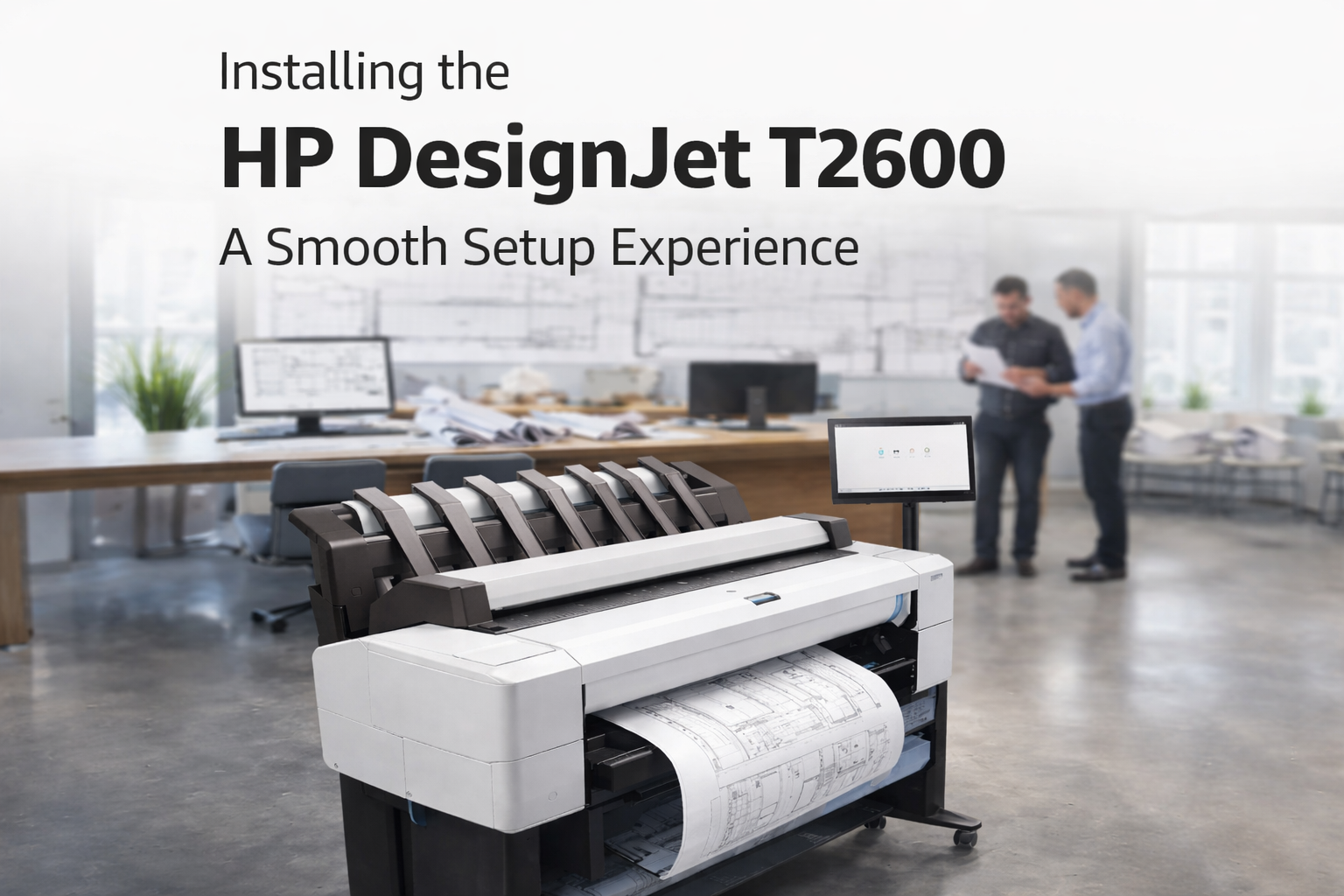
How We Installed the HP DesignJet T2600: A Smooth Setup Experience
In today’s fast-paced work environment, having a reliable large-format printer is essential—especially for businesses handling architectural drawings, engineering plans, or high-quality graphics. Recently, we successfully installed the PS (PostScript) driver of the HP DesignJet T2600, and the experience was both smooth and efficient. Here’s a quick look at the process and what you can expect.
What the HP DesignJet T2600 Can Do
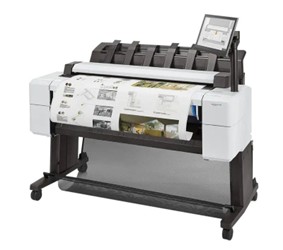
The HP DesignJet T2600 is designed as a multifunctional large-format printer that combines printing, scanning, and copying in one system.
- High-Precision Printing
- Produces detailed technical drawings, CAD designs, and high-resolution graphics
- Ensures accurate line quality and color consistency
- Ideal for architects, engineers, and designers
- Fast Performance
- Capable of handling bulk print jobs efficiently
- Reduces waiting time with quick first-page output
- Multifunction Capabilities
- Built-in scanner and copier
- Allows easy digitization and duplication of large documents
- Smart Workflow Integration
- Supports cloud printing and remote job submission
- Compatible with modern office environments and team collaboration
- Strong Security Features
- Includes data protection and user authentication
- Helps safeguard sensitive business documents
HP DesignJet T2600 Installation Guide Process Overview
Installing the PS driver was straightforward. Here’s how we did it:
- Downloading the Latest Driver
We started by downloading the official PS driver from HP’s support website to ensure compatibility and performance. - Running the Installer
The installation wizard guided us through the setup process. It automatically detected the printer on the network, saving time and effort. - Connecting the Printer to the Server
During the setup, we successfully connected the printer to the central server. This allowed multiple users on the network to access the printer seamlessly and ensured better resource management and sharing across the organization. - Configuring Printer Settings
After installation, we configured key settings such as:
• Paper size and format
• Print quality preferences
• Color management options - Testing the Setup
We printed a few sample files, including detailed design drawings and PDFs. The output was crisp, accurate, and aligned perfectly with expectations.
Who Should Use This Printer?
The HP DesignJet T2600 is best suited for:
- Architecture firms
- Engineering companies
- Construction and infrastructure teams
- Graphic design studios
Our Experience
The entire setup process was quick and hassle-free. The printer responded well after installation and connecting to server, and the PS driver significantly improved the quality and consistency of print jobs.
Final Thoughts
The HP DesignJet T2600 is a powerful and reliable solution for large-format printing needs. It delivers exceptional quality and productivity, but businesses should also be prepared to manage costs, space, and technical setup.
If used in the right environment, it can significantly improve workflow efficiency and output quality.